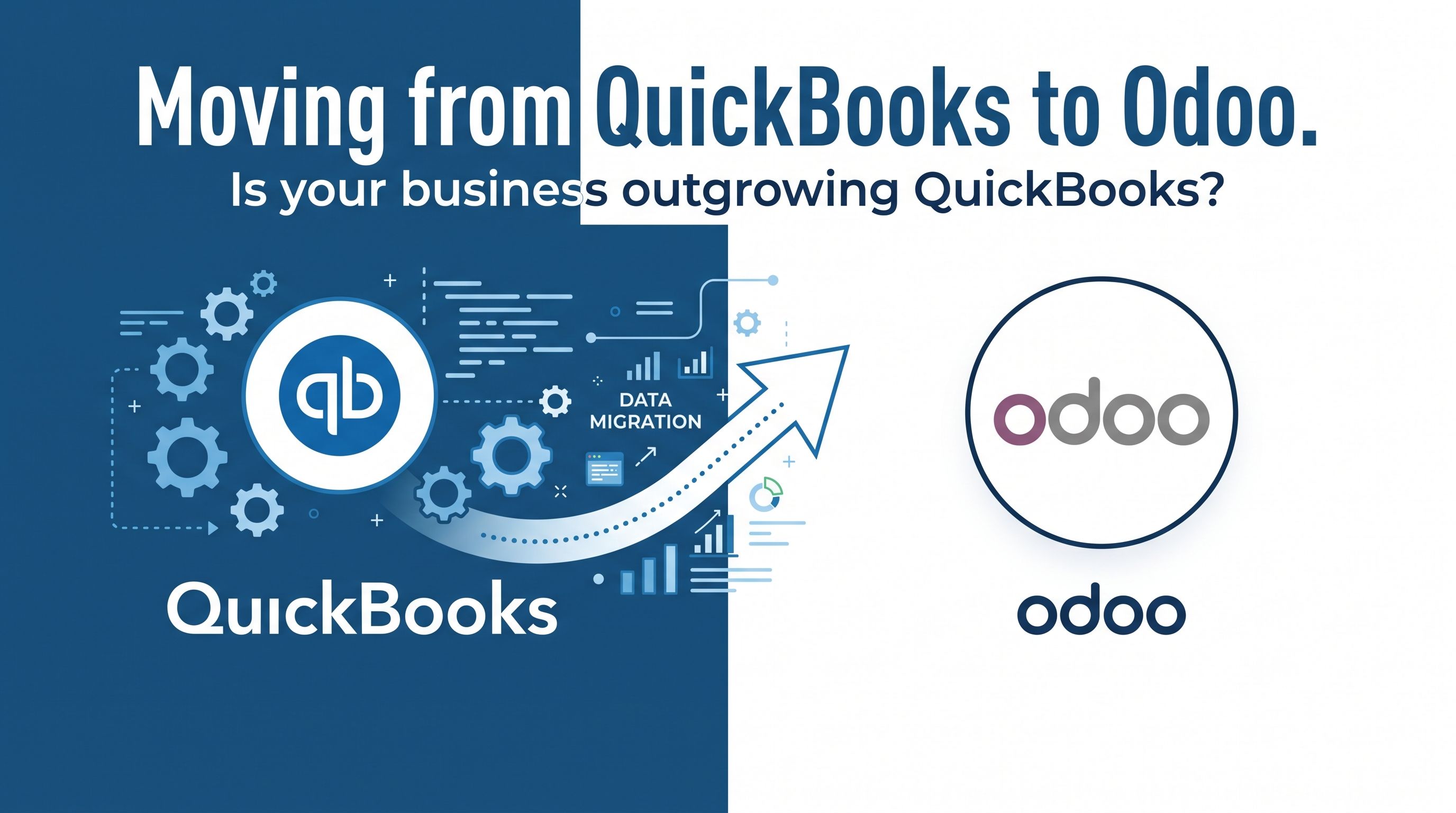
Moving from QuickBooks to Odoo:
When Your Business Has Outgrown Accounting Software
QuickBooks is an excellent accounting platform for many small and growing businesses. It is familiar, relatively easy to adopt, and can cover core financial requirements very effectively.
But as a company grows, accounting is rarely the only challenge.
Sales needs better visibility. Inventory becomes harder to control. Purchasing needs to be connected to demand. Manufacturing introduces another layer of complexity. Teams start relying on spreadsheets, external applications and manual reconciliations to connect information that lives in different systems.
At that point, the question is no longer simply:
Is QuickBooks good enough for our accounting?
The more important question becomes:
Is our current system capable of supporting the way our business now operates?
For many growing companies, this is where Odoo becomes an attractive alternative.
QuickBooks vs Odoo: Two Different Approaches
QuickBooks and Odoo can both manage accounting, but they are fundamentally different types of systems.
QuickBooks is primarily an accounting platform, with additional functionality and integrations available around it.
Odoo is an ERP platform designed to connect multiple areas of the business within the same environment.
Depending on the company's requirements, Odoo can combine:
- Accounting
- CRM
- Sales
- Purchasing
- Inventory
- Manufacturing
- Projects
- Timesheets
- Field Service
- Helpdesk
- eCommerce
- Subscriptions
- Expenses
- Approvals
- Planning
The biggest advantage is not simply having more applications.
It is having one connected flow of information across them.
A sales order can generate procurement requirements, affect stock availability, trigger manufacturing, create deliveries and ultimately generate invoices and accounting entries without teams repeatedly entering the same information into different systems.
That difference becomes increasingly important as a business grows.
Signs Your Business May Be Outgrowing QuickBooks
Moving away from QuickBooks does not make sense for every company.
However, there are some common signs that an ERP may now be more appropriate.
Too Many Systems Need to Be Connected
A company may use QuickBooks for accounting, another platform for inventory, another for CRM, spreadsheets for forecasting and perhaps additional software for manufacturing or warehouse operations.
Each system may work individually, but the company becomes responsible for maintaining the connections between them.
This often results in:
- duplicate data entry;
- integration problems;
- inconsistent information;
- manual reconciliations;
- limited visibility across departments.
Odoo can reduce this fragmentation by moving more of these processes into a single platform.
Reporting Requires Too Much Manual Work
When management reporting requires exporting information from several systems into Excel every month, it can be a sign that the company's reporting requirements have become more complex than the existing system.
An ERP can allow financial and operational information to be analysed together.
Instead of only asking:
What were our sales this month?
management can analyse questions such as:
- Which product categories are most profitable?
- Which projects are performing above or below budget?
- What is our inventory value?
- Which customers or divisions generate the strongest margins?
- What is committed to suppliers but not yet received?
- What has been delivered but not yet invoiced?
- How much work is currently in production?
The value is not simply better reports. It is better visibility into what is happening across the company.
Inventory Is Often a Major Reason to Move
Inventory is one of the areas where the difference between accounting software and ERP software becomes particularly noticeable.
Businesses dealing with multiple warehouses, purchasing, landed costs, manufacturing, serial or lot tracking, replenishment or complex fulfilment requirements often need more operational control than an accounting-focused system provides.
With Odoo, inventory is integrated directly with areas such as:
- Sales
- Purchasing
- Manufacturing
- Accounting
- Barcode operations
- Shipping
- Replenishment
This allows operational activity and financial information to remain closely connected.
For companies carrying significant stock, this can be particularly valuable because inventory is not simply an operational issue — it directly affects the balance sheet and profitability.
Manufacturing Adds Another Level of Complexity
Manufacturing companies often reach the limitations of disconnected systems earlier than other businesses.
They may need to manage:
- Bills of Materials;
- manufacturing orders;
- components;
- finished products;
- subcontracting;
- work centres;
- routings;
- replenishment;
- production costs;
- work in progress.
Trying to manage these processes separately from accounting can create significant reconciliation work.
Odoo allows manufacturing activity to form part of the same ERP environment used for inventory, purchasing, sales and finance.
For many growing manufacturers, this is one of the strongest reasons to consider moving away from QuickBooks.
Moving to Odoo Is Not Simply an Accounting Migration
This is one of the most important points for companies considering the move.
A successful QuickBooks-to-Odoo project should not simply reproduce QuickBooks inside Odoo.
Some concepts are similar, but Odoo often handles them differently because accounting forms part of a larger operational system.
For example, a QuickBooks user may be familiar with Undeposited Funds.
In Odoo, this type of workflow is generally handled through Outstanding Receipts and Outstanding Payments, combined with bank reconciliation.
The business objective is similar, but the system design is different.
The same principle can apply to areas such as:
- customer and supplier payments;
- analytical reporting;
- inventory valuation;
- product accounting;
- bank reconciliation;
- taxes;
- deferred revenue;
- prepaid expenses;
- assets.
A good migration therefore involves understanding why a process exists, rather than simply attempting to reproduce the same configuration in another system.
Why a 1:1 Migration Can Create Problems
It is tempting to assume that every account, field, report and workflow in QuickBooks should have an identical equivalent in Odoo.
In practice, that approach can create unnecessary complexity.
An ERP implementation is often an opportunity to review:
- duplicated accounts;
- outdated processes;
- unnecessary spreadsheets;
- manual approvals;
- reporting structures;
- product configuration;
- tax handling;
- inventory processes;
- integrations.
The objective should not be:
Make Odoo behave exactly like QuickBooks.
The better objective is:
Make Odoo support the business in the most effective way possible.
That distinction can have a major impact on the success of the project.
Accounting Still Has to Be Right
Although Odoo can manage much more than accounting, the financial migration remains one of the most sensitive parts of the project.
The opening position in Odoo needs to represent the company's real financial position.
This includes areas such as:
- Accounts Receivable;
- Accounts Payable;
- bank balances;
- credit cards;
- taxes;
- inventory;
- fixed assets;
- prepayments;
- deferred revenue;
- loans;
- foreign currencies.
Open customer and supplier transactions also need to remain usable after the migration.
For example, an outstanding customer invoice cannot simply exist as a total balance in Accounts Receivable if the accounting team still needs to receive and reconcile the payment against the individual customer invoice.
This is why accounting knowledge is just as important as technical knowledge during an ERP migration.
Historical Data: More Is Not Always Better
One of the first questions businesses often ask is:
Can we move all our QuickBooks history into Odoo?
Technically, many types of historical information can be migrated.
But the better question is whether all of that information needs to become transactional data inside the new ERP.
Migrating years of historical transactions can significantly increase:
- complexity;
- testing requirements;
- reconciliation work;
- project cost;
- risk.
In many projects, the better solution is to bring the information required to operate correctly from the agreed transition date while retaining historical QuickBooks information for reference.
The right answer depends on regulatory requirements, reporting needs and how historical information is actually used by the business.
The Opportunity Is Bigger Than Replacing QuickBooks
For many businesses, the real value of moving to Odoo is not the replacement of QuickBooks itself.
The real opportunity is removing the collection of spreadsheets, disconnected applications and manual processes that have gradually developed around QuickBooks.
A company may initially approach the project as an accounting migration but discover opportunities to improve:
- quote-to-cash;
- purchase-to-pay;
- inventory control;
- warehouse operations;
- production;
- approvals;
- customer management;
- reporting;
- automation.
That is where ERP implementation can create considerably more value than simply changing accounting software.
When Does Moving to Odoo Make Sense?
Odoo may be worth considering when your business:
- has outgrown basic accounting requirements;
- manages significant inventory;
- operates multiple warehouses;
- manufactures products;
- uses several disconnected applications;
- relies heavily on Excel to connect information;
- needs stronger operational reporting;
- requires more automation;
- expects continued growth;
- wants finance and operations to work from the same information.
It does not automatically mean Odoo is the right answer.
The first step should always be understanding the company's processes, problems and future requirements.
Only then can the right ERP design be determined.
Choosing the Right Odoo Partner Matters
QuickBooks-to-Odoo migrations involve much more than transferring records between two databases.
They require an understanding of:
- accounting;
- business processes;
- Odoo configuration;
- inventory;
- reporting;
- integrations;
- data migration;
- user adoption.
A technically successful migration can still produce a poor ERP implementation if the system does not reflect how the company actually operates.
Equally, a well-designed operational system can create serious problems if the accounting migration is not properly controlled and reconciled.
The strongest projects bring both sides together.
Considering a Move from QuickBooks to Odoo?
If QuickBooks is becoming one part of an increasingly complicated collection of systems, it may be time to look at whether an ERP can simplify your business.
A good starting point is not a software demonstration.
It is a conversation about:
How your company works today, where the current limitations are, and what you want the business to be able to do next.
From there, it becomes possible to determine whether Odoo is the right fit — and what a sensible transition from QuickBooks would look like for your business.
Thinking about moving from QuickBooks to Odoo? Contact our team to discuss your current setup, the challenges you are experiencing and whether Odoo could provide a better foundation for your next stage of growth.