
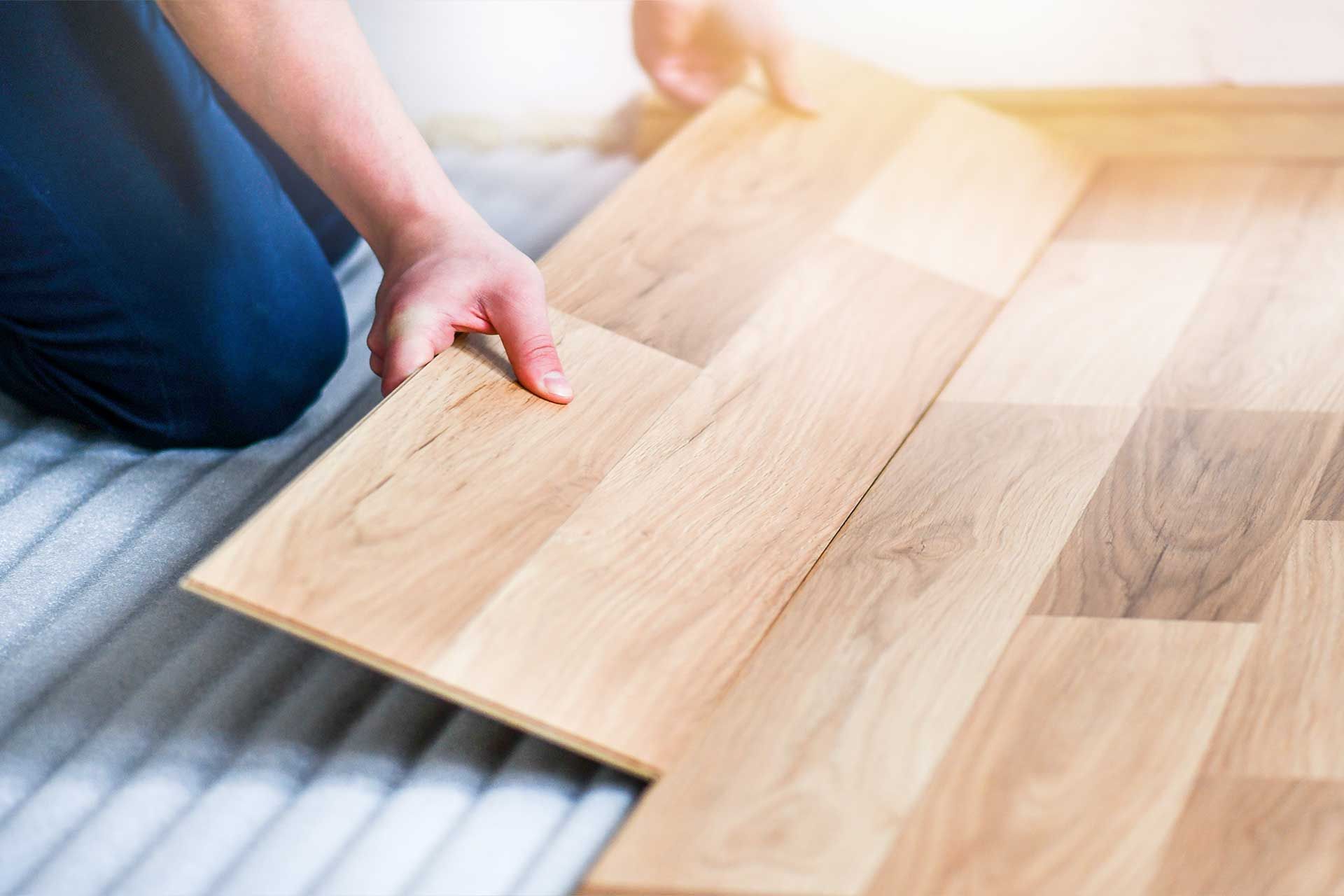
If you work in the flooring, tiles, or building materials industry, this situation probably sounds very familiar.
Your products are priced per square foot, because that’s how customers think and compare. But in reality, you sell and ship in boxes. Each box contains a fixed number of square feet, and that’s what your warehouse, suppliers, and installers actually handle.
The problem? Most software solutions force you to pick one unit of measure. Either you price per box and confuse your customers, or you price per square foot and struggle with inventory, logistics, and invoicing.
This gap creates daily headaches:
- Sales teams doing manual calculations
- Wrong prices shown online
- Customers misunderstanding what they are buying
- Inventory errors and lost time
This is exactly where Odoo fits perfectly. It allows you to price your products per square foot, sell them in boxes, and keep everything consistent — from your website to your stores and your stock.
Let’s walk through how this works in practice.
Enable the right settings
Before creating products, a quick check in the settings is needed.
Go to Settings and activate:
- Units of Measure & Packagings

- Product Reference Price

Define your box sizes
In flooring, a box is not just packaging, it represents a precise surface area.
Go to Sales → Configuration → Units & Packagings and create your box formats:

- Enter the number of square feet contained in one box
- Set Square Feet (sqft) as the reference unit
You should create as many box sizes as you need.
Create product attributes customers care about
Next, define your product attributes. In our example, the laminate flooring is available in two different colors: oak and mapple.

With Odoo v19, you can choose Image as the display type for attributes. This means customers can select colors visually on the website instead of reading long descriptions — a small detail that makes a big difference in user experience.
Create the product itself
Now go to Sales → Products and create your laminate flooring product.
Here’s what matters most:
- Set the sales price for the default box

- In Attributes & Variants tab, assign the color attributes

- In the Sales tab, add all the box sizes you created in the Packagings field

Then, open each variant to:
- Define thebase unit count so Odoo can correctly calculate and display the price per square foot

-Assign a specific image to each color variant
From this point on, Odoo automatically keeps the box price and the price per square foot aligned.
Isn't it incredible? Discover Odoo
Publish and sell online
Once everything is set:
- Adjust inventory levels for your product
- Publish the product on your website

Your customers can now clearly see:
- The price per square foot
- The box they are buying, how much surface area it covers, and its price.

No calculators, no guessing, no follow-up questions.
What if not all customers pay the same price?
At this point, most businesses ask: “Great, but how do I apply special prices for specific customers, both online and in-store?” Once again, Odoo solves this in a simple and consistent way.
Create customer-specific pricelists
Odoo’s pricelists let you define pricing rules based on:

- Specific customers
- Products or categories
- Discounts or fixed prices
For example, you can create a VIP pricelist that gives a 10% discount on laminate flooring to your special customers.
Once the pricelist is created, simply assign it to your VIP customer.

Correct prices on the website
When that customer logs into your website:
- Their special price is applied automatically

- The reference price per square foot is still shown correctly
There’s nothing extra to manage. It just works.
The same logic in Point of Sale
Price consistency between online sales and physical stores is critical. In Odoo POS:
- Activate Flexible Pricelists

- Select the pricelists you want to use
In the store:
Default prices appear when no customer is selected

As soon as you select the VIP customer, their pricing is applied

You can also change the pricelist manually if needed — useful for special situations at the counter.


Conclusion: software that matches how your business really works
Selling flooring by square foot while delivering in boxes is not a niche problem — it’s the reality of the industry.
Odoo doesn’t force you to change how you work. Instead, it adapts to your business logic:
- Price per square foot
- Sell and manage stock in boxes
- Offer clear product variants
- Apply customer-specific pricing
- Keep everything aligned across website, sales, and POS
All of this happens in one single system. If your business lives between square feet and boxes, Odoo removes the friction — and lets you focus on selling, not calculating.
Ready to streamline your business with Odoo?
Follow Us on Social Media
Stay connected with ERPGAP and follow us on this journey. You can view updates on LinkedIn and Twitter.




