
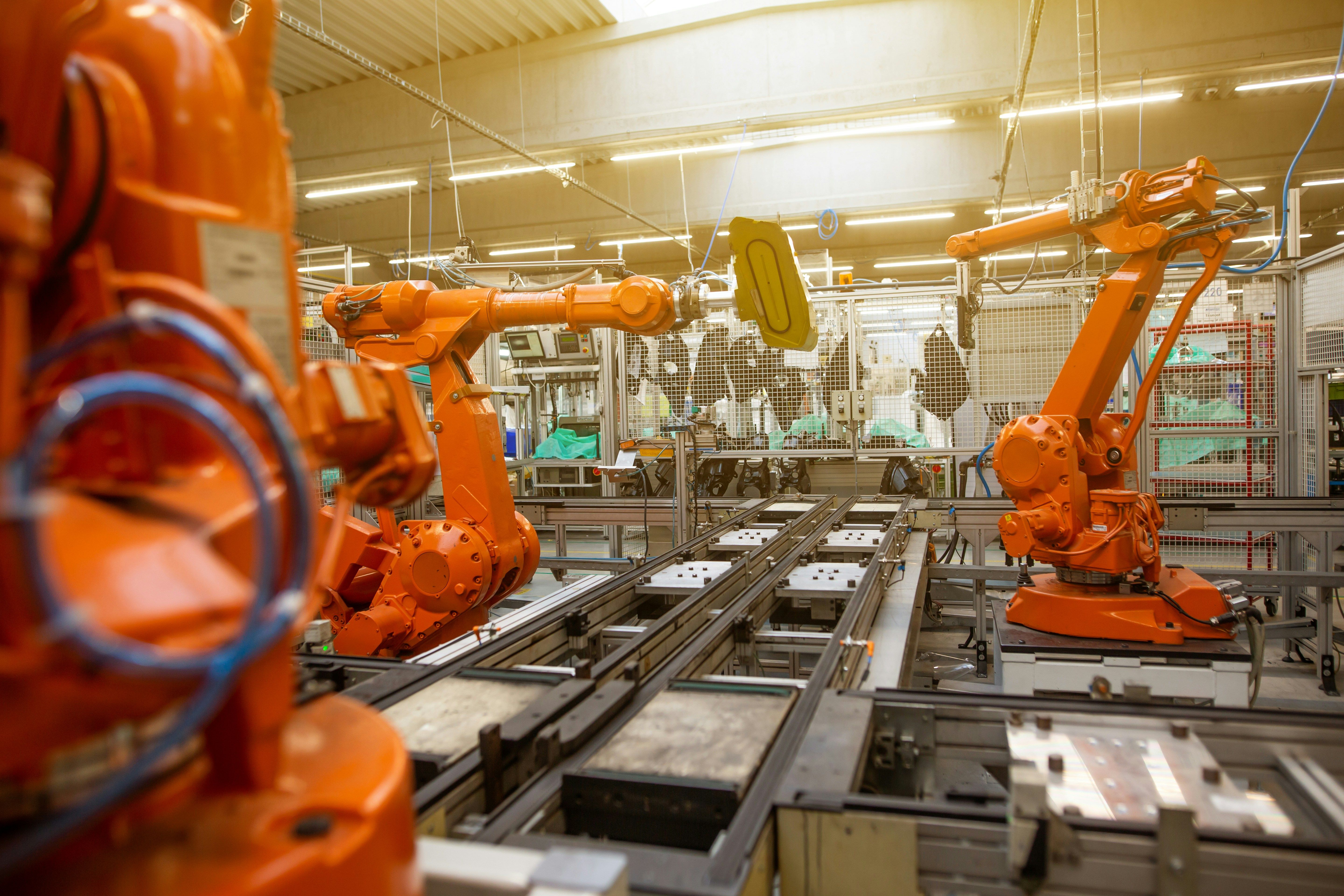
Why Manufacturers Need a Master Production Schedule
The Master Production Schedule (MPS) is a revolutionary tool for manufacturers. It helps businesses to plan production efficiently by suggesting what to order based on forecasts. If your company deals with:
- Long lead times
- Irregular or seasonal demand
- Safety stock requirements
- Forecast-driven production
…then Odoo 19’s MPS is exactly what you need. Boasting enhanced automation, flexibility, and precision, Odoo 19 takes production planning to a whole new level.
What’s New in MPS?
Odoo 19 introduces several improvements that make manufacturing planning faster, smarter, and more reliable:
- Batch Production is now easier than ever: If you handle production in batches, there is no need to add them manually in the MPS. You can now define batch sizes directly in the Bill of Materials (BoM) form.
- Automated Forecast Filling: Previously, filling forecasted demand had to be done manually for each period. Now, Odoo 19 introduces the “Suggest Forecasted Demand” tool. This allows you to automatically populate forecasted demand based on: - Specific time ranges - Previous periods demand or actual demand multiplied by a specific factor
No more wasted hours in spreadsheets—Odoo does the work for you.
Let's explore more of the exciting new features!
Real-World Example: Melt & Co.
Let’s see how Melt & Co., a confectionery company, uses Odoo 19 to streamline production of their Chocolate Bars. The challenges they faced are as follows:
- Demand fluctuates throughout the year
- Batch production only (minimum 50 units per batch)
- Need to maintain optimal stock levels to minimize raw material waste
Step 1: Define the Product and Batch Size
Melt & Co. defines the batch size for their chocolate bars directly in the Bill of Materials.

Step 2: Add Product to the Master Production Schedule
Next, the chocolate bar is added to the MPS for planning.

Step 3: Fill Forecasted Demand Automatically
Instead of entering forecasted demand manually, Melt & Co clicks the pencil icon and selects to fill demand based on last year’s data, with a 200% buffer.


In just seconds, the forecasted demand for the chocolate bar is populated for all 12 months.

Step 4: Generate Manufacturing Orders
By clicking Order, Odoo automatically generates Manufacturing Orders (MOs) based on the batch quantities defined in the BoM:


The color-coded signals in MPS make it easy to track replenishment. Green indicates it’s time to produce, aligned with lead times.

Benefits Melt & Co. Achieves
With Odoo 19’s MPS, Melt & Co. can now:
- Plan ahead for seasonal peaks (e.g., Valentine’s Day ramp-up)
- Optimize raw material procurement
- Avoid overproduction, minimizing waste and storage costs
- Save time with automated forecast generation
Why You Should Start Using Odoo 19
Odoo 19’s Master Production Schedule is more than just a planning tool—it’s a strategic advantage for manufacturers looking to stay agile, reduce waste, and improve efficiency.
Don’t let manual planning slow your business down—upgrade to Odoo 19 and revolutionize your production workflow today!
Follow Us On Social Media
Stay connected with ERPGAP and follow us on this journey. You can view updates on LinkedIn and Twitter.




